
The Agency console is the control plane for repeatable client-account setup. Open it from the agency-level GridLane custom page. It is separate from the spreadsheet but uses the same client accounts and permissions.
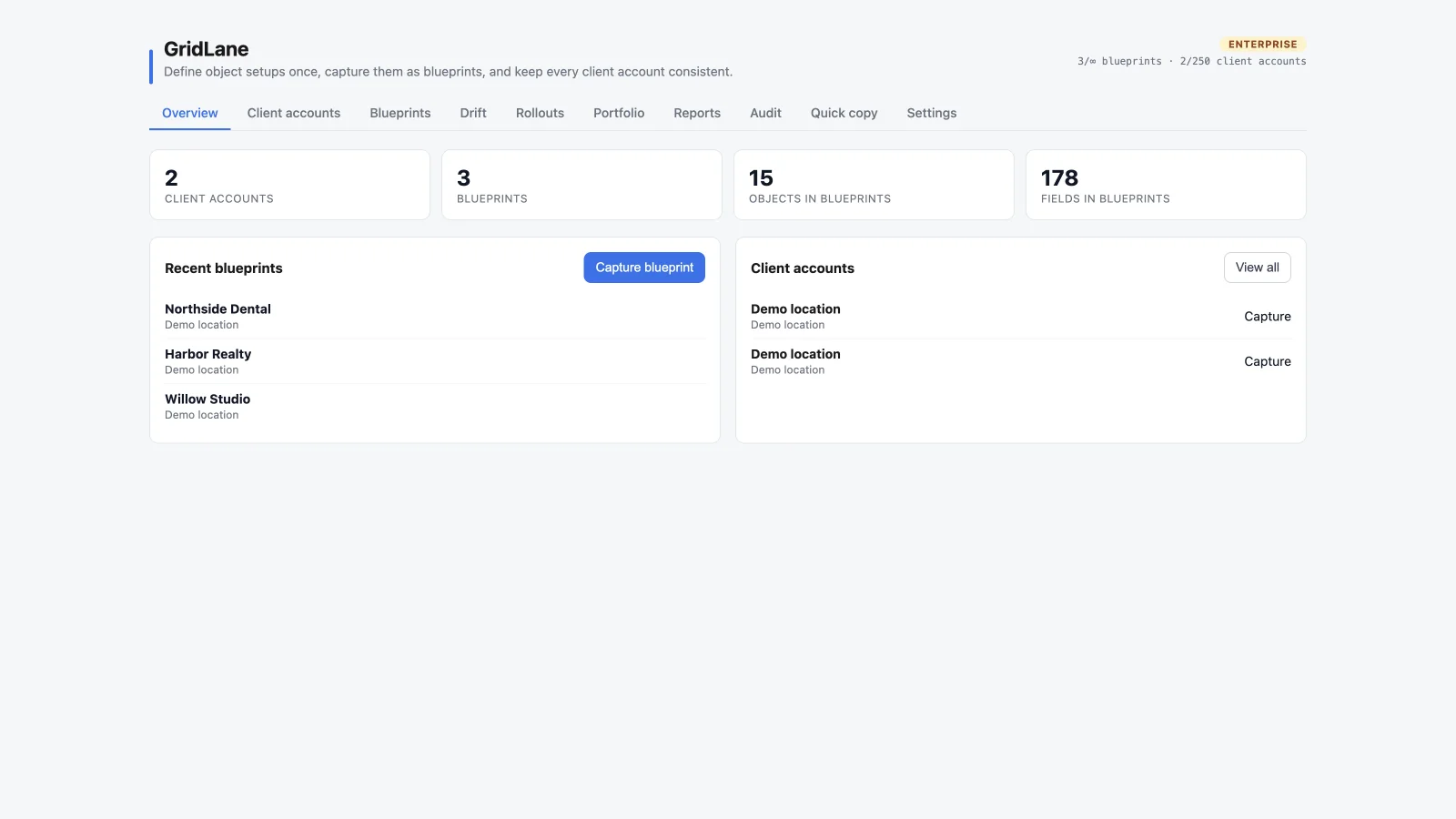
Tabs
Overview
Shows client-account and blueprint counts, recent blueprints, and the current client-account directory. Use it as the starting point for capture and rollout work.
Client accounts
Browse and search the accounts GridLane can manage. Each account can have agency-side tags and can be used as a blueprint source. See Client accounts and tags.
Blueprints
Capture, version, inspect, and deploy reusable configuration. See Blueprints.
Drift
Compare assigned accounts to their blueprint version, inspect the exact differences, and apply supported fixes. See Drift checks.
Rollouts
Review queued deployment jobs, progress, successful accounts, and failures. See Rollouts.
Portfolio
See current compliance, account status, and activity across the accounts you manage. Portfolio insights are available on Pro and Enterprise.
Reports
View detailed 30/90/365-day reporting, snapshots, blueprint health, failures, and CSV exports. Full reporting is an Enterprise feature. See Reporting and audit.
Audit
Review agency-level activity, filter it, and export it. Audit export is an Enterprise feature.
Quick copy
Make a one-off copy of saved views and permission rules between client accounts. This is available on Pro and Enterprise and is different from a blueprint. See Quick copy.
Settings
Manage drift cadence, Slack alerts, auto-provisioning, branding, plan refresh, and account-level controls. See Agency settings.
Plan and usage
The header shows your current plan and usage counts for blueprints and managed client accounts. When a limit is reached, GridLane points to the relevant upgrade path. The Agency console does not create HighLevel sub-accounts; it manages accounts that already exist.
Recommended workflow
- Organize client accounts with tags.
- Capture a well-configured source account as a blueprint.
- Preview the blueprint against a target.
- Roll out to the selected accounts.
- Run drift checks and review the exact differences.
- Use reports and audit history to keep the portfolio accountable.